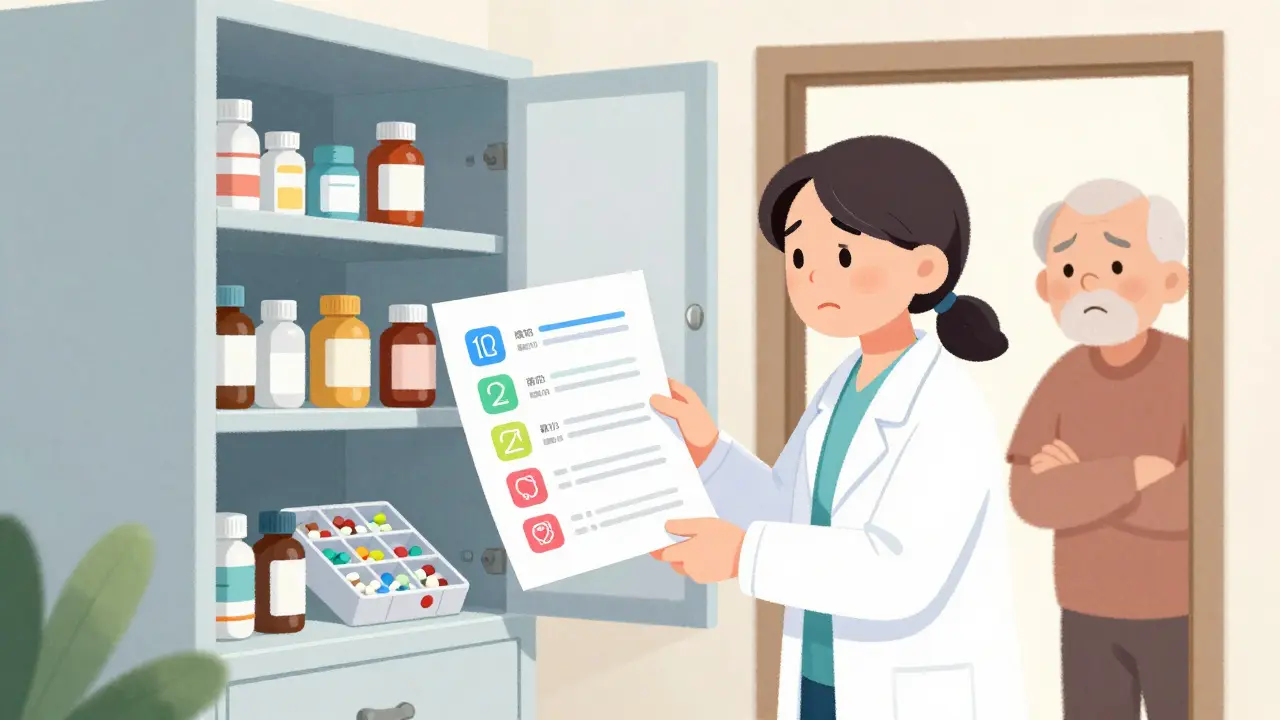
Why a Medication List Matters More Than You Think
Imagine this: your parent is rushed to the ER after feeling dizzy. The doctors ask what medications they’re taking. You stare blankly. You remember lisinopril and aspirin, but what about that little white pill they take at night? Was it for sleep? Or blood pressure? And did they stop the painkiller after the surgery last month?
That moment - the panic, the guesswork - is why a clear, updated medication list isn’t just helpful. It’s life-saving. Over 40% of older adults take five or more medications. That’s called polypharmacy. And with each extra pill, the risk of dangerous interactions, missed doses, or side effects jumps by nearly 90%. In the U.S., medication errors contribute to 7,000 deaths every year. Most of these happen at home, not in hospitals.
A good medication list cuts that risk in half. It’s not about being perfect. It’s about being ready.
What to Include on the List
A simple note on a napkin won’t cut it. You need details. Here’s what every medication entry must have:
- Medication name - both brand (Lipitor) and generic (atorvastatin)
- Dosage - 10mg, not just "one pill"
- How often - "twice daily," "every 6 hours," "as needed for pain"
- Purpose - "for high blood pressure," "for arthritis pain," "for sleep"
- Special instructions - "take with food," "do not crush," "avoid grapefruit"
- Start date - When did they begin this one?
- Prescribing doctor - Name and clinic
- Pharmacy name and number - So anyone can call and verify
- Side effects to watch for - "dizziness," "swelling," "confusion"
- Allergies - Penicillin? Sulfa? Even if they’ve never had a reaction, write it down
- Stop date - For time-limited prescriptions like antibiotics or short-term pain meds
Don’t forget supplements. That fish oil, vitamin D, or herbal tea? They count too. Over 60% of seniors take at least one supplement, and many interact with prescription drugs. Treat them like real medications.
Choose Your Format: Paper, Digital, or Both
You don’t need fancy tech. But you do need reliability.
Paper lists work for 63% of caregivers. They’re simple, always available, and don’t need batteries. Print it out. Laminate it. Keep a copy in their wallet, purse, and on the fridge. Use a clear, large font. Color-code by time of day: blue for morning, red for evening, green for as-needed.
Digital tools like Medisafe, MyMeds, or even a shared Google Doc can be powerful - especially if someone takes more than four medications. Digital lists reduce errors by 42%. They can send reminders, track refills, and sync with pharmacies. But here’s the catch: 62% of caregivers over 65 find apps too hard to use. And 71% quit within three months because they’re too complicated or take too much time to update.
The smartest approach? Use both. Keep a printed, laminated master list for emergencies. Keep a digital backup that updates automatically when prescriptions are refilled. CVS and Walgreens now offer free synchronization services - when you refill a prescription, the digital list updates. That cuts your update time by 75%.
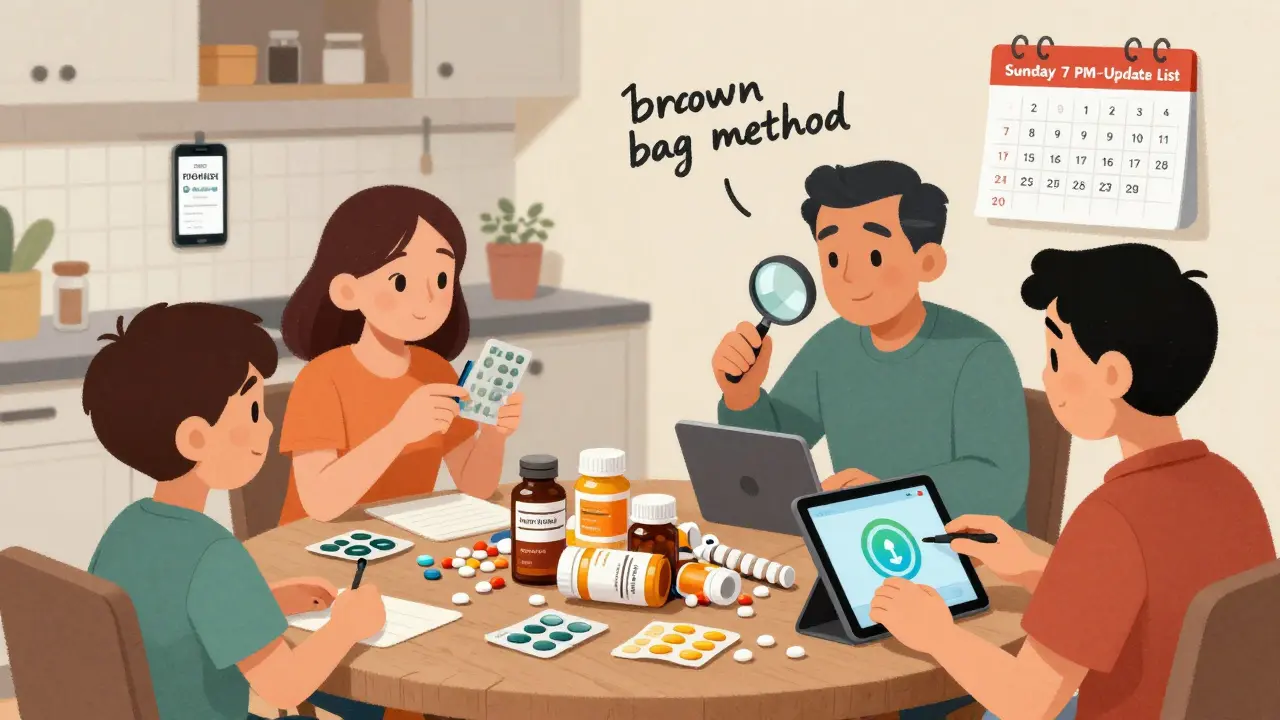
How to Build the List (Step by Step)
Don’t try to do this in one sitting. Break it down.
- Collect everything - Go through every drawer, cabinet, nightstand, and purse. Gather every pill bottle, patch, inhaler, liquid, and supplement. Bring them all into one room. This is called the "brown bag method." It’s messy, but it works.
- Write down each one - Use the 12-point checklist above. Don’t skip anything. Even if the bottle says "take one daily," write "10mg once daily, for cholesterol."
- Sort by time of day - Group pills into morning, afternoon, evening, and as-needed. This helps you see if someone’s taking too many at once.
- Create two copies - One for home, one for a trusted family member or neighbor. Store the digital copy in the cloud so it’s accessible from any phone.
- Set a weekly reminder - Every Sunday evening, spend 15 minutes reviewing the list. Did they start a new med? Stop one? Change the dose? Update it right away.
- Share with everyone - Give copies to their primary doctor, pharmacist, and any specialist. When they go to the ER, hand it to the nurse before anything else.
It takes 2-3 hours to build the first list. After that, it’s just 15 minutes a week. Most caregivers who stick with it say it’s the most important thing they’ve done for their loved one.
Common Problems and How to Fix Them
Even the best lists run into trouble.
Problem: Too many doctors, too many prescriptions. - One doctor prescribes blood pressure meds. Another adds a sleep aid. A third adds a painkiller. No one talks to each other. Solution: Pick one person - usually the primary care doctor - to be the "medication coordinator." They’re the one who reviews everything every three months.
Problem: "As needed" meds pile up. - Painkillers, anti-anxiety pills, sleep aids - these are easy to forget or overuse. Solution: Create a separate "PRN log." Write down the date, time, dose, and reason for each use. That way, you can spot patterns - like taking pain meds every night because they’re not sleeping.
Problem: Medications change in the hospital. - A senior gets discharged with new meds, but the home list isn’t updated. Solution: Always ask: "Did anything change?" Get the updated list in writing. Compare it to your home list. If there’s a mismatch, call the pharmacist before they take the first pill.
Problem: You forget to update. - Life gets busy. You miss a week. Then two. Solution: Set a recurring calendar alert on your phone. "Sunday 7 PM - Medication List Update." Make it non-negotiable.
When to Talk to a Pharmacist
Pharmacists are medication experts - not just pill dispensers. Yet most caregivers never ask them for help.
Ask your pharmacist to do a medication review every three months if your loved one takes five or more drugs. They’ll check for:
- Duplicate meds (two drugs doing the same thing)
- Drugs that don’t belong anymore (like an old antibiotic)
- Potentially harmful combinations
- Drugs that are too strong for older adults
The American Geriatrics Society’s Beers Criteria lists medications that are risky for seniors. Your pharmacist knows this list. They can flag drugs that should be stopped - and 27% of seniors on multiple meds have at least one on that list.
Also, ask them to explain what each pill is for. 68% of caregivers don’t understand the purpose of half the meds their loved one takes. If you don’t know why they’re taking it, you can’t tell if it’s working - or causing harm.

Real Stories, Real Results
One caregiver on Reddit shared how she made a laminated chart with photos of each pill. Her mom had dementia and couldn’t read labels. The photos made it easy to spot the right pill. In six months, they avoided three near-misses.
Another family used the "brown bag" method before every doctor visit. They brought every bottle - even the empty ones. The doctor spotted a prescription that had been stopped months ago but was still being refilled. They saved $1,200 a year and removed a dangerous drug.
These aren’t miracles. They’re just better systems.
What’s Changing in 2025
Medication lists are getting smarter.
The FDA released a new template in March 2023 with QR codes. Scan the code on the list, and you see a photo of the pill, its side effects, and how to take it. Over 47% of pharmacies now use it.
By 2025, federal rules will require all electronic health records to give patients direct access to their full medication list - no more waiting for a paper copy.
And soon, voice assistants like Alexa and Google Home will let you say, "What meds did Mom take this morning?" and get a clear answer.
But here’s the truth: none of that matters if you don’t have the list in the first place.
Final Tip: Keep It Alive
A medication list isn’t a one-time project. It’s a living document. Every time there’s a new prescription, a hospital visit, or even a pharmacy refill, update it. Right away.
Think of it like a car’s oil change. Skip it once, and everything runs fine. Skip it for a year? Something breaks.
Organizing a medication list isn’t about being perfect. It’s about being prepared. It’s about knowing what’s in your loved one’s body - and making sure nothing hurts them because no one knew it was there.
What if my loved one can’t read or remember their meds?
Use visual aids. Take clear photos of each pill with its label. Print them out and tape them to a chart next to the medicine cabinet. Label each time of day with a color or icon. Use a pill organizer with alarms. Many pharmacies offer pre-filled blister packs with the day and time printed on each compartment.
Do I need to list vitamins and supplements?
Yes. Supplements can interact with prescription drugs. For example, fish oil can thin the blood and increase bleeding risk when taken with warfarin. Garlic, ginkgo, and St. John’s wort can interfere with heart meds and antidepressants. Treat every supplement like a real medication - write the name, dose, purpose, and when it was started.
How often should I update the list?
Update it immediately after any change - new prescription, dose change, or stopping a drug. Then do a full review every Sunday. If your loved one goes to the hospital or ER, update the list before they leave. Outdated lists are the #1 reason for hospital readmissions in seniors.
What’s the best way to share the list with doctors?
Bring the printed list to every appointment - even routine checkups. Hand it to the nurse or doctor before the visit. Don’t wait for them to ask. If they use an electronic system, ask them to add your list to their records. Also, give a copy to the pharmacist. They refill the prescriptions - they need to know what’s being taken.
Can I use a smartphone app?
Yes - but only if it’s simple and reliable. Apps like Medisafe, MyTherapy, or MyMeds work well. But don’t rely on them alone. Always have a printed backup. Many older adults find apps confusing, and if the phone dies or the app crashes, you’re left with nothing. Use apps as a helper, not your only system.
What if the pharmacy gives me a new list?
Compare it to your own. Pharmacies often miss supplements, over-the-counter meds, or changes made by specialists. Don’t assume their list is complete. Use their printout as a starting point, then add everything you know. Your list is your responsibility - not theirs.




Henry Ward
29 December / 2025This is the kind of lazy, feel-good garbage that gets shared like it's gospel. You think a laminated list is gonna stop someone from dying? Half the people reading this can't even read. And don't get me started on 'digital backups'-my grandma's phone dies every other day. You're not saving lives, you're just making caregivers feel better about doing the bare minimum. Meanwhile, the system's still broken, and no one's fixing it. Just hand out paper and call it a day. Pathetic.